How can I add one-time items to my subscription?Updated 8 months ago
To add one-time items to your subscription order:
Login to your account dashboard.
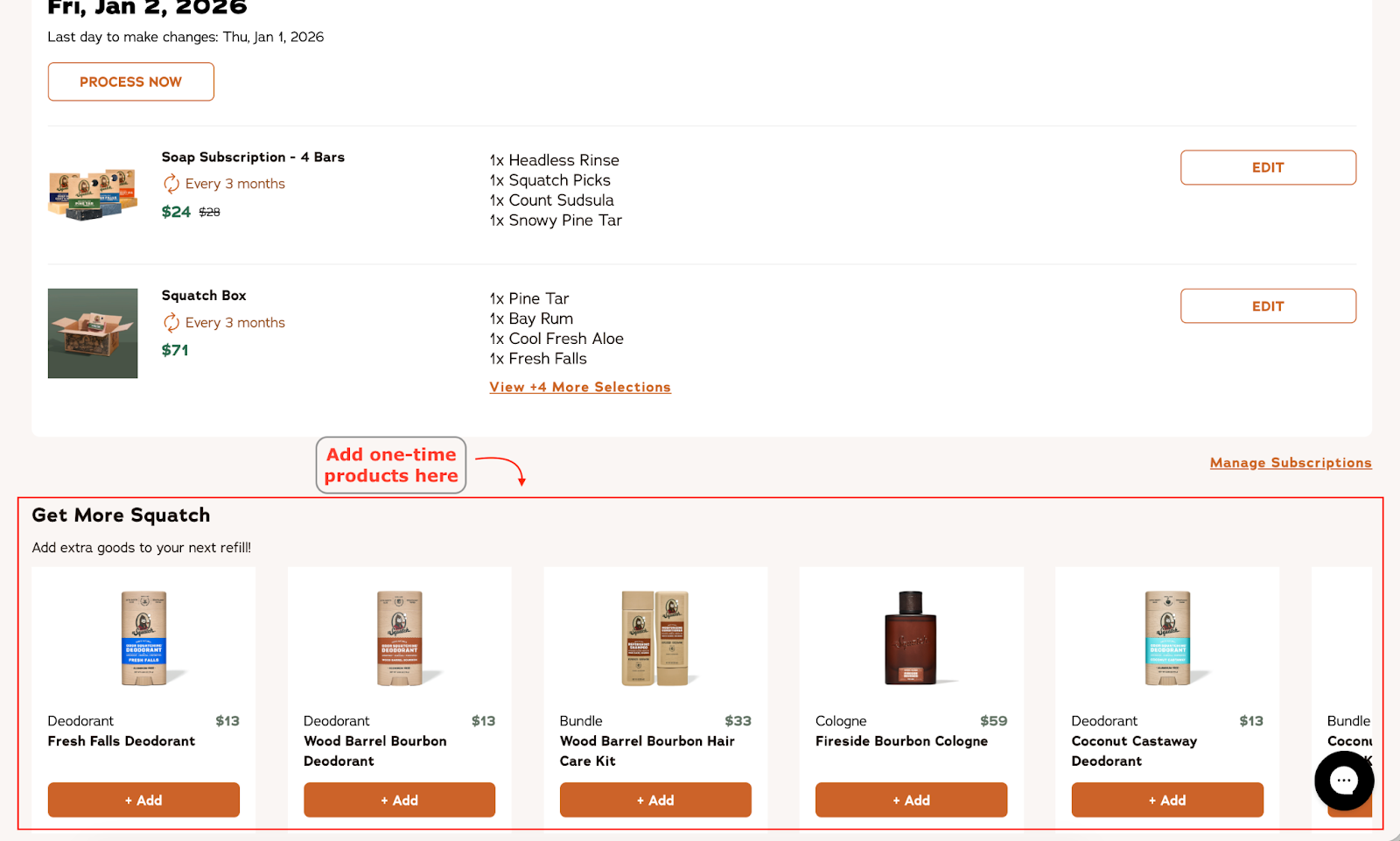
Scroll down until you see ‘Get More Squatch’.
Add the one-time item from the given list to your next renewal!
Note: The listed products are the only products available to add as one-time items. We're working to add more one-time products down the line!